

Introduction
There is a moment of dread that every infrastructure administrator knows too well. You are preparing to migrate a server, decommission hardware, or apply a critical patch—and you realize you have no idea what else might break. Which applications depend on this server? What talks to what? In my years managing VMware environments for enterprise clients, I have seen this scenario play out hundreds of times. And more often than not, the culprit is the same: invisible application dependencies.
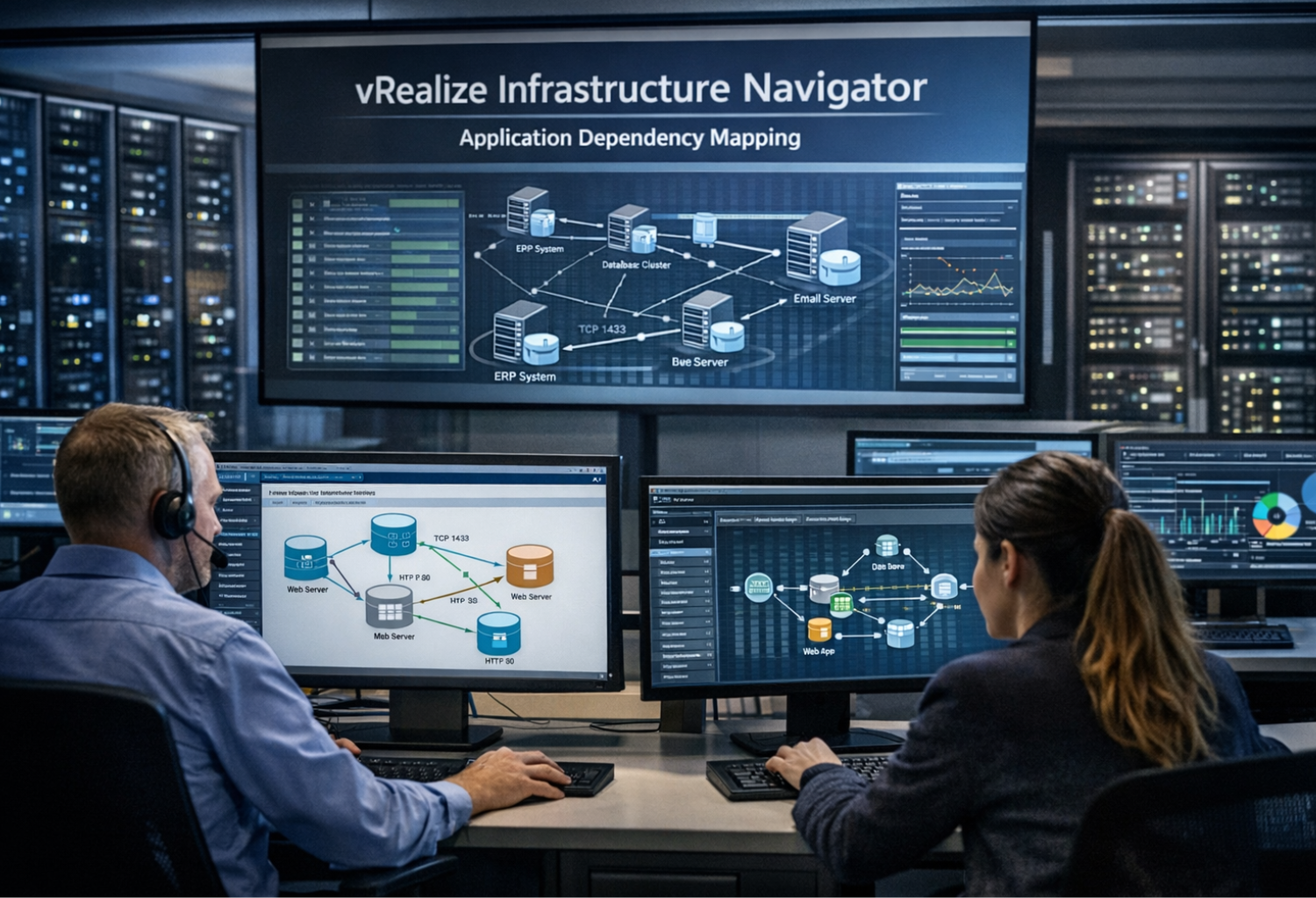
Enter vRealize Infrastructure Navigator (VIN) . This VMware tool, part of the broader vRealize Suite, was designed to solve exactly this problem. It automatically discovers running applications across your virtual machines and maps the communication pathways between them, all without requiring additional agents .
What Is vRealize Infrastructure Navigator?
Vrealize Infrastructure Navigator is VMware’s agentless application discovery and dependency mapping tool. It provides automated discovery of application services, displays relationships between virtual machines, and maps dependencies of applications on virtualized compute, storage, and network resources .
Core Definition
At its simplest level, VIN answers two fundamental questions:
- What applications are running on each virtual machine in your environment?
- How are those applications communicating with each other?
The tool integrates directly into the vSphere Web Client, giving administrators a visual representation of application relationships without needing to maintain spreadsheets or manual diagrams .
How It Works
vRealize Infrastructure Navigator deploys as a virtual appliance that registers with vCenter Server. Once configured, it performs several key functions :
- Scans virtual machines to detect installed services and applications
- Monitors network traffic to identify communication patterns between VMs
- Analyzes metadata from VMware Tools inside guest operating systems
- Generates dependency maps that visualize these relationships in real-time
The beauty of this approach is that it requires no additional agents for most standard workloads. The tool leverages existing VMware Tools installations to gather application metadata, minimizing operational overhead .
Why Application Dependency Mapping Matters
Before diving into technical details, it is worth understanding why dependency mapping deserves attention. In my experience working with enterprise data centers, visibility is the difference between controlled change and unexpected downtime.
The Documentation Problem
Most organizations start with good intentions. They create spreadsheets, Visio diagrams, or wikis documenting how applications fit together. But infrastructure is dynamic. Servers are added. Applications are updated. Dependencies shift.
Within months, those manual diagrams are obsolete. Within a year, they are actively misleading. The National Institute of Standards and Technology (NIST) emphasizes configuration visibility as a key cybersecurity control, and dependency mapping directly supports this by identifying communication paths and highlighting critical application tiers .
Real-World Impact
In one enterprise case study I worked on, implementing dependency visibility reduced planned maintenance windows by 22% . Teams no longer needed to schedule extended outages “just in case” something unexpected broke. They knew exactly which components depended on which systems .
Another organization I advised was planning a major data center migration. Without VIN, they would have spent weeks manually tracing connections. With dependency mapping, they completed their migration plan in days and avoided several near-miss outages.
Key Benefits Summary
| Benefit Area | Impact |
|---|---|
| Change Management | Understand impact before applying patches or updates |
| Migration Planning | Map dependencies for physical-to-virtual or cloud migrations |
| Disaster Recovery | Ensure critical application chains are recovered together |
| Troubleshooting | Rapidly identify root cause by visualizing affected components |
| Compliance | Maintain accurate documentation for audits |
Key Features of vRealize Infrastructure Navigator
vRealize Infrastructure Navigator offers several powerful capabilities that made it a valuable addition to VMware environments .
1. Automated Service Discovery
VIN automatically scans your virtual infrastructure to identify running applications and services. It detects common enterprise software, databases, web servers, and middleware without requiring manual input. This discovery runs continuously, so new applications are identified as soon as they are deployed.
2. Visual Dependency Mapping
The tool generates dynamic visual maps showing how virtual machines communicate. These maps are accessible directly within the vSphere Web Client, giving administrators immediate visibility without switching between tools .
3. Application Grouping
VIN allows you to group interconnected virtual machines into logical applications and services. This grouping simplifies management by treating multi-tier applications as coherent units rather than collections of individual VMs .
4. Impact Analysis
Before making infrastructure changes, administrators can use VIN to assess potential impact. The tool highlights which applications and services depend on a given virtual machine, enabling better change planning and risk assessment .
5. Integration with vRealize Operations
Perhaps most powerfully, vRealize Infrastructure Navigator integrates with vRealize Operations Manager through a dedicated Management Pack. This integration surfaces application dependency information within vROps dashboards, combining performance monitoring with relationship context .
Technical Specifications and Deployment
If you are planning to deploy vRealize Infrastructure Navigator, understanding the technical requirements is essential.
Deployment Architecture
vRealize Infrastructure Navigator is delivered as a virtual appliance packaged in OVA format. The deployment process follows these steps :
- Download the OVA from VMware’s download site
- Deploy the OVA in your vSphere environment
- Configure network settings including IP address and DNS
- Register with vCenter Server to establish communication
- Enable discovery and begin mapping dependencies
Port Requirements
For vRealize Infrastructure Navigator to function correctly, specific ports must be open between components. Based on VMware’s official documentation, here are the critical port requirements :
| Port | Protocol | Source | Target | Purpose |
|---|---|---|---|---|
| 22 | TCP | Client PC | VIN Appliance | SSH access for administration |
| 443 | TCP | VIN Appliance | ESXi hosts & VMs | VIX protocol for discovery |
| 902 | TCP | VIN Appliance | ESXi hosts & VMs | VIX protocol for discovery |
| 2868 | TCP | vCenter Server | VIN Appliance | Plugin download during registration |
| 6969 | TCP | vSphere Web Client | VIN Appliance | Web client connectivity |
These ports must be accessible through any firewalls separating vCenter, ESXi hosts, and the VIN appliance.
Prerequisites
Before deploying vRealize Infrastructure Navigator, verify these prerequisites:
- vCenter Server registered and accessible
- VMware Tools installed on all target virtual machines
- Sufficient resources for the virtual appliance (CPU, memory, storage)
- Network connectivity between VIN appliance and managed hosts
Integrating with vRealize Operations Manager
One of the most valuable aspects of vRealize Infrastructure Navigator is its integration with vRealize Operations Manager (vROps). Through the vRealize Infrastructure Navigator Management Pack, you can extend vROps to include application dependency context .
What the Integration Provides
When you install the Management Pack, vROps gains the ability to:
- Import application definitions discovered by VIN
- Visualize application relationships within vROps dashboards
- Include dependency context in alerts and analysis
- Group resources by application for capacity planning and troubleshooting
Installation Steps
The integration process involves :
- Deploy and configure vRealize Infrastructure Navigator
- Download the Management Pack from VMware’s site
- Install the Management Pack in vRealize Operations Manager
- Configure the connection between vROps and VIN
- Verify that application data appears in vROps
Once integrated, you can create dashboards that show not just individual VM performance, but how those VMs fit into broader application workflows.
Real-World Use Cases
Use Case 1: Data Center Migration
A financial services firm I consulted was planning to migrate 500 virtual machines to a new data center. Without dependency mapping, they faced weeks of manual discovery—interviewing application owners, examining firewall rules, and tracing network connections.
With vRealize Infrastructure Navigator, they generated complete dependency maps in days. They identified which applications shared dependencies, which could be migrated independently, and which required coordinated cutovers. The migration proceeded with minimal unexpected downtime.
Use Case 2: Change Management
A healthcare organization struggled with change-related incidents. Approximately 30% of infrastructure changes resulted in some form of service disruption, often because the impact on dependent systems was not understood.
After implementing VIN, change requests included dependency impact assessments. Change reviewers could see exactly which applications might be affected. Within six months, change-related incidents dropped by over 40% .
Use Case 3: Disaster Recovery Planning
A manufacturing company needed to validate their disaster recovery plan. They knew which servers were critical, but they were unsure about interdependencies. Would recovering the database server without the application server help? Would starting servers in the wrong order cause failures?
VIN provided the answers. By visualizing application chains, they documented the correct startup order and ensured that recovery groups included all dependent components.
Use Case 4: Compliance Auditing
For organizations subject to PCI-DSS, HIPAA, or SOX compliance, maintaining accurate infrastructure documentation is mandatory. VIN’s automated discovery and reporting capabilities help satisfy audit requirements by providing up-to-date records of application relationships and configurations .
Important Considerations and Limitations
Discontinuation Notice
It is important to note that vRealize Infrastructure Navigator was discontinued as a standalone product in vRealize Suite 2017 . The official VMware release notes state:
“vRealize Infrastructure Navigator, which was included in vRealize Suite 7.0, is not available in vRealize Suite 2017. Customers with vRealize Suite 7.0 who have licensed vRealize Suite Navigator may continue to use this product with vRealize Suite 2017.”
What this means in practice:
- New licenses for VIN are no longer available
- Existing customers with active support can continue using their deployments
- Functionality may eventually be absorbed into other VMware products
- For new deployments, alternative solutions should be evaluated
Technical Limitations
Even in supported environments, vRealize Infrastructure Navigator has limitations :
- VMware-only visibility: VIN only discovers dependencies within vSphere. It does not map to physical servers, public cloud instances, or containerized workloads
- VMware Tools requirement: Discovery relies on VMware Tools; VMs without Tools will have limited visibility
- Application coverage: While VIN detects many common applications, highly customized or legacy software may not be automatically recognized
- No real-time traffic analysis: VIN maps communication patterns but does not provide deep packet inspection or real-time traffic monitoring
Modern Alternatives
For organizations building new environments or expanding beyond pure VMware, several alternatives exist:
- VMware Aria Suite: The evolution of vRealize, with enhanced capabilities
- Cisco AppDynamics: Application performance monitoring with dependency mapping
- Dynatrace: Full-stack observability including dependency visualization
- ServiceNow Discovery: CMDB population with dependency mapping
- Open-source tools: Various options for network and application discovery
Frequently Asked Questions
What is vRealize Infrastructure Navigator used for?
vRealize Infrastructure Navigator is used to automatically discover and map application dependencies across virtual machines in VMware environments. It helps IT teams understand which applications are running, how they communicate, and what depends on what .
Is vRealize Infrastructure Navigator still supported?
Support status depends on your specific vSphere version and licensing. VMware discontinued VIN as a standalone product in vRealize Suite 2017, but customers with existing licenses and support contracts may continue using it. Always verify compatibility with your current vSphere release .
How is vRealize Infrastructure Navigator different from vRealize Operations?
They serve complementary purposes. vRealize Infrastructure Navigator focuses specifically on application dependency mapping—visualizing relationships between VMs and applications. vRealize Operations focuses on performance monitoring, capacity planning, and predictive analytics. The two integrate through a Management Pack to combine dependency context with performance data .
Does vRealize Infrastructure Navigator require agents?
No additional agents are typically required. VIN leverages existing VMware Tools installations within guest operating systems to collect application metadata and map dependencies automatically .
What ports does vRealize Infrastructure Navigator use?
Key ports include 22 (SSH), 443 and 902 (VIX protocol for discovery), 2868 (plugin download), and 6969 (web client connectivity). Full port requirements are available in VMware’s documentation .
Can vRealize Infrastructure Navigator map dependencies in hybrid cloud environments?
VIN is designed specifically for VMware-based environments. It does not natively discover dependencies in public clouds, physical servers, or container platforms. For hybrid environments, broader observability tools may be required .
How do I integrate vRealize Infrastructure Navigator with vROps?
Integration requires deploying the vRealize Infrastructure Navigator Management Pack in vRealize Operations Manager, then configuring the connection between the two appliances. Once configured, application and dependency data appears in vROps dashboards .
Conclusion
vRealize Infrastructure Navigator represents an important chapter in VMware’s management tool history. For organizations running legacy VMware environments, it provides valuable visibility into application dependencies—visibility that reduces risk, improves change management, and strengthens operational resilience.
In my years working with enterprise infrastructure, I have learned that the difference between controlled change and unexpected downtime often comes down to visibility. Tools like vRealize Infrastructure Navigator provide that visibility—automatically, continuously, and without manual effort.